
Find configuration weaknesses
Surface risky policies, exposed management access, weak administrative controls, logging gaps, object problems, VPN issues, and other FortiGate security findings.

FortiGate configurations change constantly. New policies, objects, administrators, services, and exceptions can introduce weaknesses that point-in-time reviews miss. ConfigSentry uncovers misconfigurations, policy risk, and configuration drift, then turns the evidence into clear remediation guidance and audit-ready engineer and executive reports.
Free audit. Read-only analysis. No firewall changes.
Limited-time free trial
Try ConfigSentry free until 30 November 2026Run a real FortiGate audit using a focused free template with a smaller set of checks than paid audits. It demonstrates the complete audit process and produces both engineer and executive reports.
Every ConfigSentry audit produces detailed findings for engineers and a clear executive summary for stakeholders. Both reports come from the same deterministic analysis, so technical remediation and management reporting remain aligned.
FortiGate visibility
ConfigSentry analyses the relationships between policies, objects, interfaces, services, administrative controls, and supporting FortiGate configuration so teams can identify weaknesses that isolated checks may miss.
Surface risky policies, exposed management access, weak administrative controls, logging gaps, object problems, VPN issues, and other FortiGate security findings.

Use repeatable manual, scheduled, or change-triggered audits to identify risks introduced after an earlier assessment.

Give engineers evidence and remediation guidance while producing concise executive reporting from the same deterministic audit run.
Example findings
Flags administrator access that still relies on weaker local authentication paths.
Highlights fully open policies that are difficult to justify as least privilege.
Surfaces certificate issues before they become outages or audit distractions.
From the blog
Use ConfigSentry's free PSIRT template to check an authorised FortiGate configuration against the critical Fortinet advisories currently included in the template.
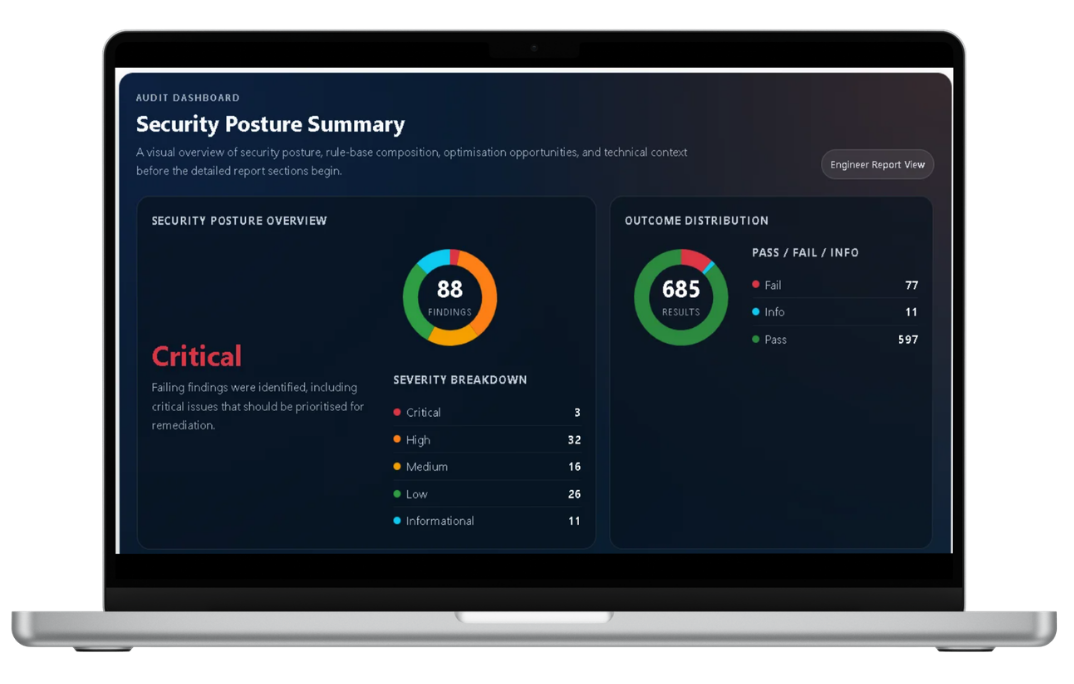
A concise overview of recent ConfigSentry improvements, including expanded audit workflows, clearer reporting, recurring monitoring, and the current free trial.
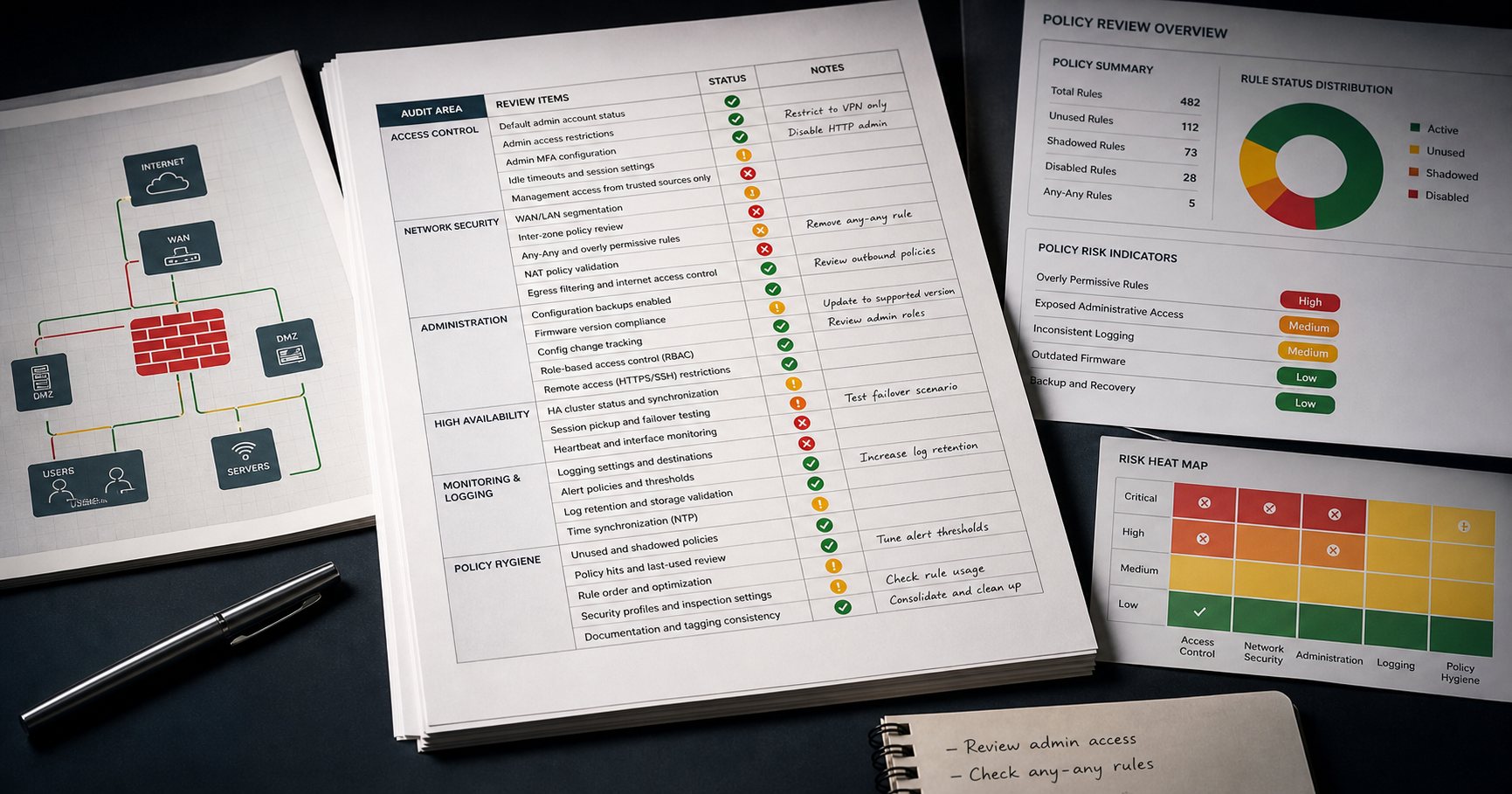
A practical checklist for reviewing FortiGate firewall configurations, reducing hidden exposure, and turning manual review work into repeatable evidence.
Try ConfigSentry
Run a free audit with the focused evaluation template and review the engineer and executive reports generated from your own authorised configuration.