
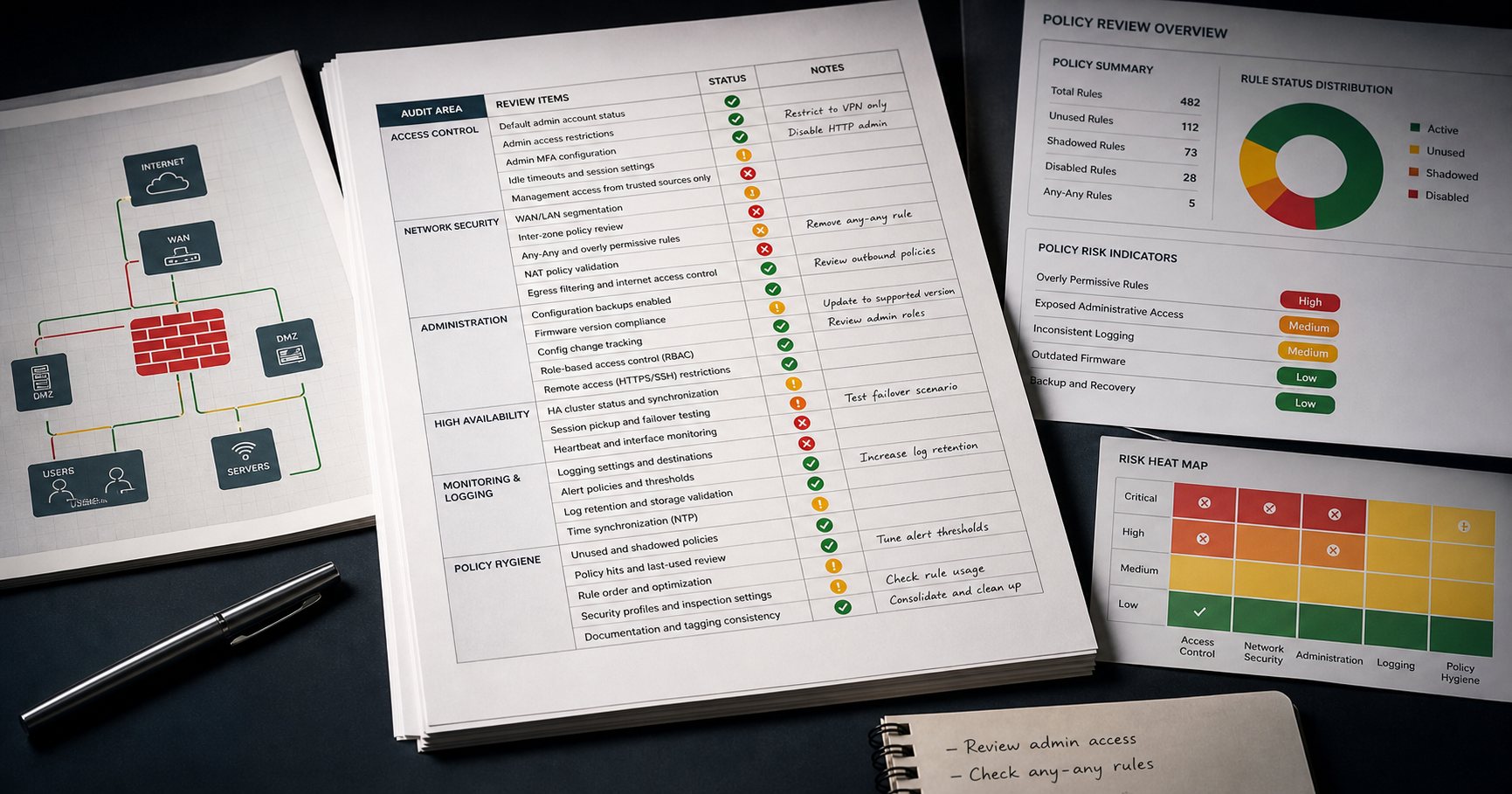
A FortiGate audit can become overwhelming very quickly. A large configuration may contain thousands of lines, several VDOMs, inherited objects, old exceptions, and settings that only matter when combined with another part of the firewall.
The best approach is to start with the controls that can create the most exposure, then work outward into hygiene, evidence, and long-term maintenance.
1. Administrative access
- Which interfaces allow HTTP, HTTPS, SSH, Telnet, SNMP, or FGFM?
- Are trusted hosts restricted?
- Is MFA used where appropriate?
- Are old, shared, or unnecessary administrator accounts present?
- Are local-in policies controlling access to the firewall itself?
2. Firewall policy risk
- Look for Any/Any/Any access and oversized service groups.
- Review disabled, duplicate, shadowed, and stale rules.
- Confirm comments still explain the business purpose.
- Check that Internet-facing and sensitive-zone rules use the required inspection and logging.
3. Objects, VPNs, and services
- Find address groups that have grown too broad.
- Review unused or duplicate objects.
- Check SSL-VPN, IPsec, captive portal, and remote-access settings.
- Confirm certificates, encryption choices, and authentication methods still meet the intended baseline.
4. Logging and evidence
A control that cannot be verified is difficult to defend. Check whether important policy traffic, administrative activity, denied traffic, DNS activity, and security-profile events are logged at the right level.
5. Make the process repeatable
A good audit is not a heroic one-off review. It should use the same checks, produce comparable findings, and show whether earlier remediation stayed in place.
Use this checklist for the manual review, then run a ConfigSentry audit to turn the configuration into structured findings and a report that can be revisited later.