
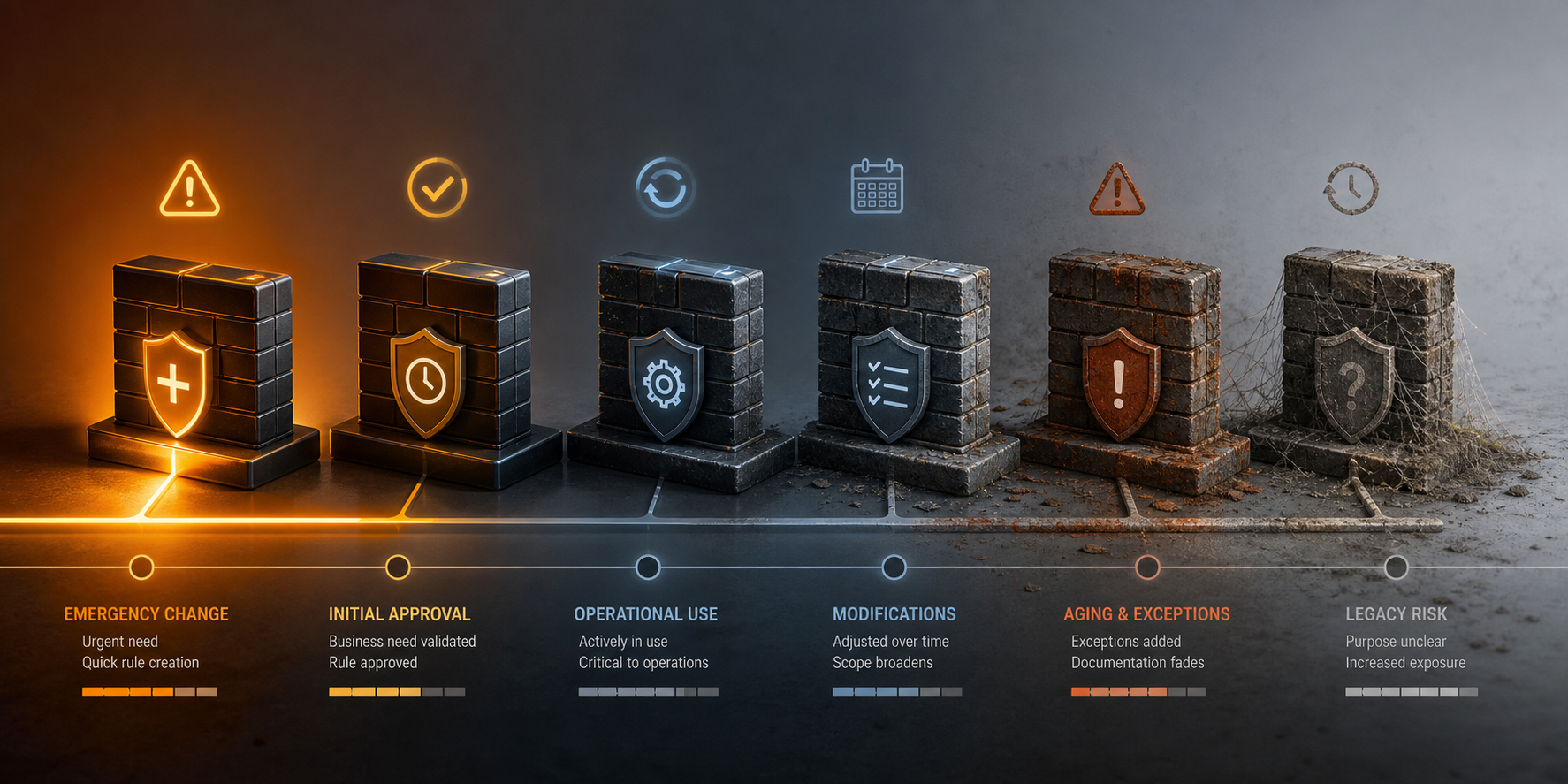
Most risky firewall rules were not created with bad intent. They were added to support a real application, vendor, migration, incident, or troubleshooting need.
The risk appears later, when the business reason changes but the access remains.
1. Request and design
Define the owner, purpose, source, destination, services, expected duration, logging, and review requirements before the rule is created.
2. Approval and implementation
- Use normal change control.
- Place the rule correctly.
- Avoid broader access than the request needs.
- Add useful comments and ticket references.
- Confirm the rule behaves as expected.
3. Operation and review
Applications change, servers move, vendors leave, and object groups grow. Review whether the rule is still used and whether the original scope is still appropriate.
4. Retirement
When the need ends, remove the access safely. Check dependencies, disable or replace the rule under change control, monitor the result, then clean up unused objects.
Signs that a rule has lost its owner
- Comments say only “temporary,” “test,” or “do not delete.”
- The ticket or project cannot be found.
- The source or destination no longer exists.
- The service group has expanded far beyond the original use.
- Nobody is willing to approve its removal or continued use.
Run a ConfigSentry audit to find rules with broad scope, weak comments, shadowing, or other signs that they need a lifecycle review.